Build a fashion mood board in your browser
Pin clothes, places and your own photos to a corkboard, arrange them, add notes and color chips, and download the board as a PNG. Free, no account, and your photos stay in your browser.
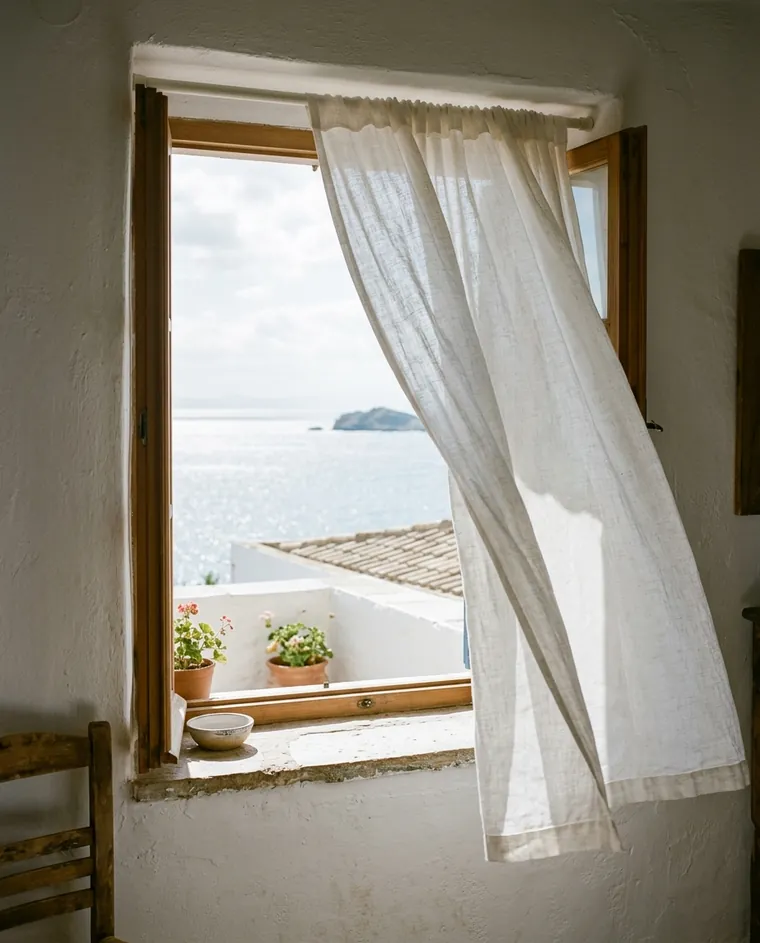
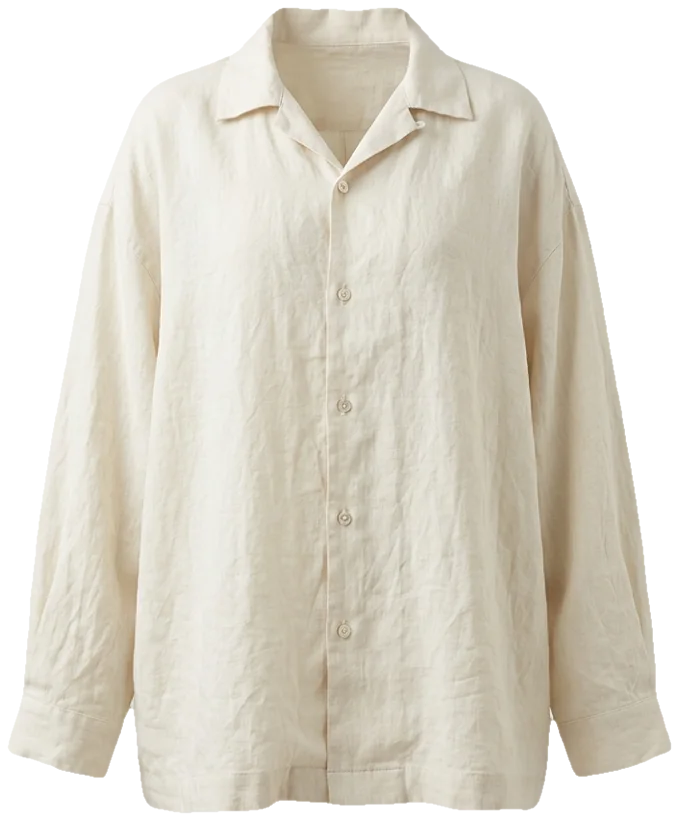
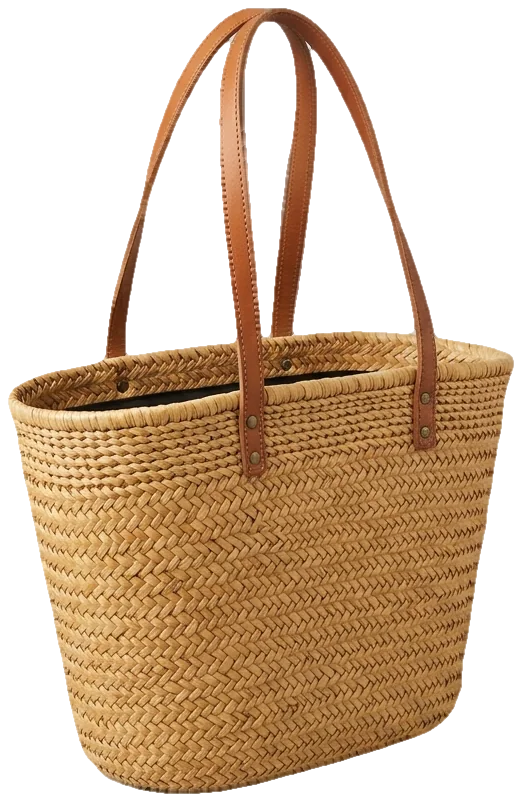
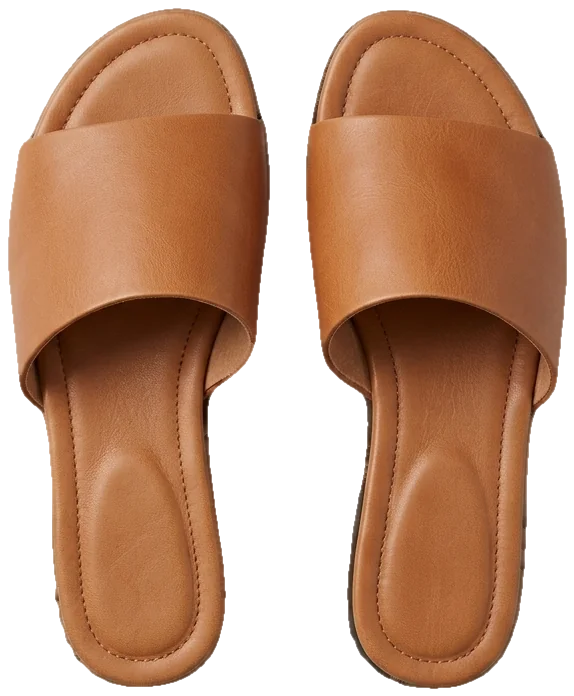
pin it, then see it on you
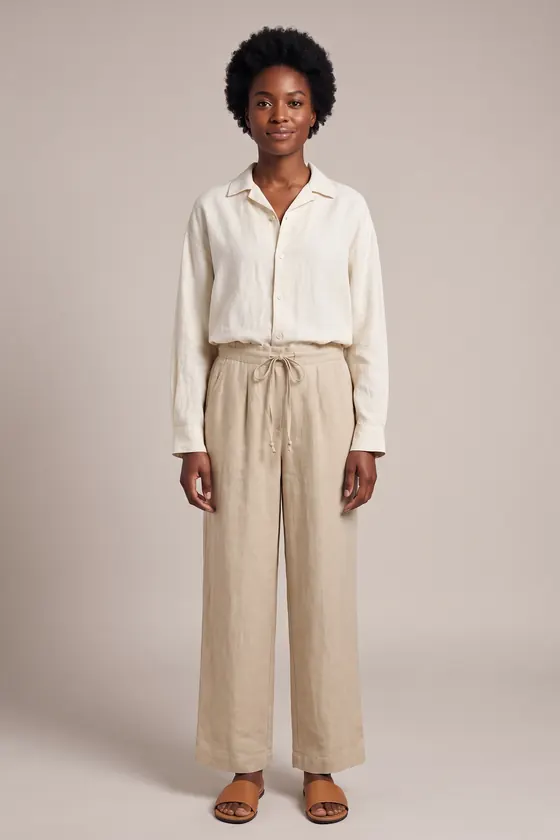 AI try-on example
An outfit planning board, not a folder of screenshots
A fashion mood board is a small, edited set of images that describes one look or one season: the pieces, the colors, the textures and the feeling you want. Its job is to help you decide. Forty saved posts rarely do that; eight pieces on one board usually do, because the space forces you to choose.
The maker works like a corkboard in a design studio, just faster:
Pin
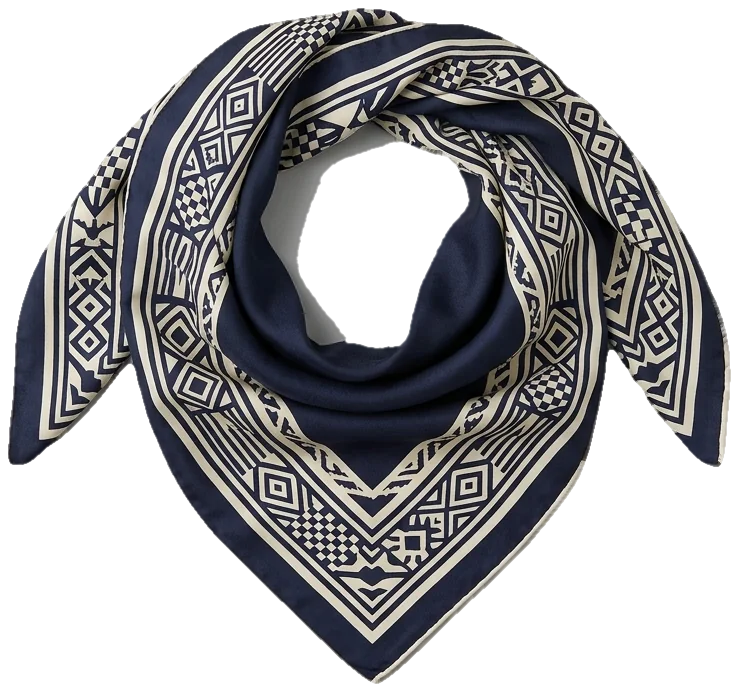
Pick from the 25 pieces in the built-in library (clothes, shoes, bags, accessories and place photos), or add your own photos: shop screenshots, a street-style shot, a close-up of a fabric you like.
Sample the colors
The maker reads the pixels of every pinned image and pulls out up to six main colors. Copy the hex codes or pin them as paint chips.
Write on it
Add notes in your own words: what you love, what to avoid, what you already own that fits.
Arrange and save
Move, resize, turn and layer items by hand, or switch between grid, collage and columns. Then download a 3000 by 3750 pixel PNG. The board also saves itself in your browser.
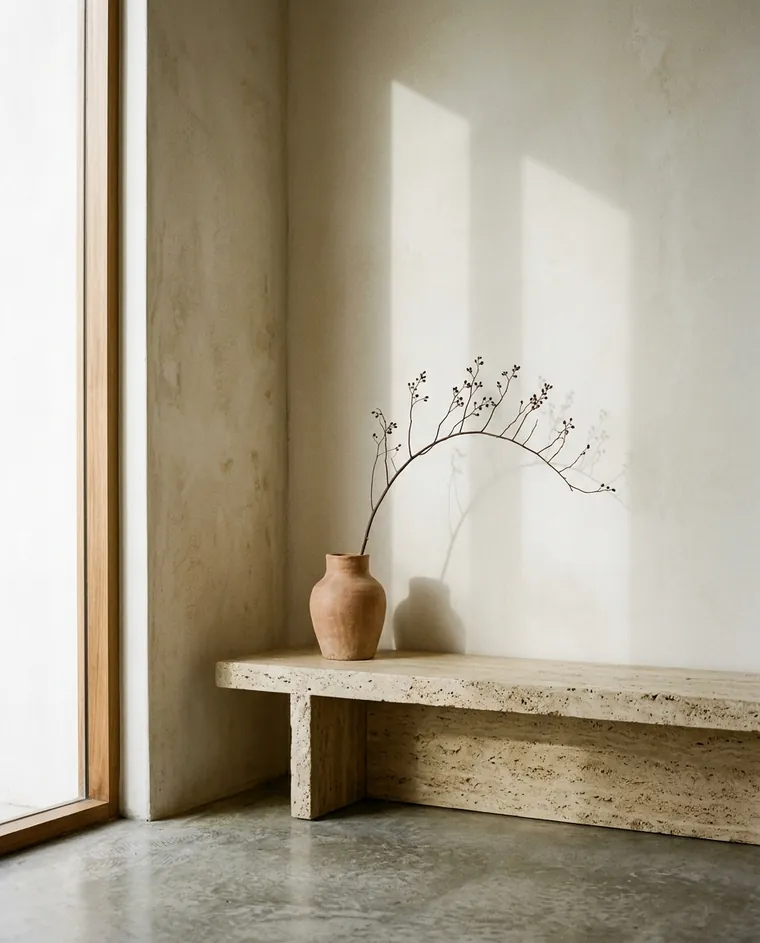
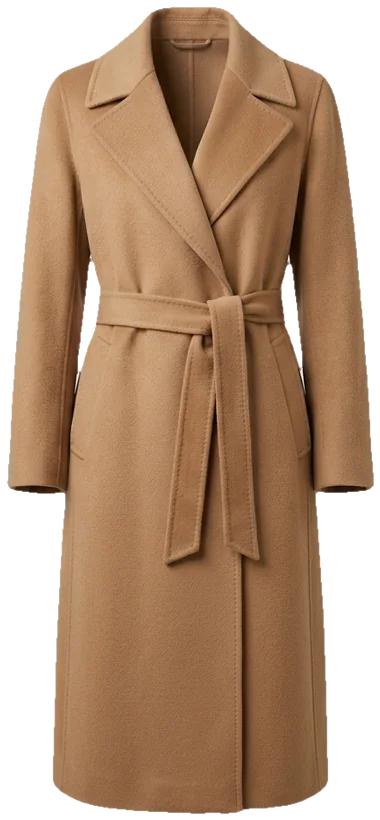
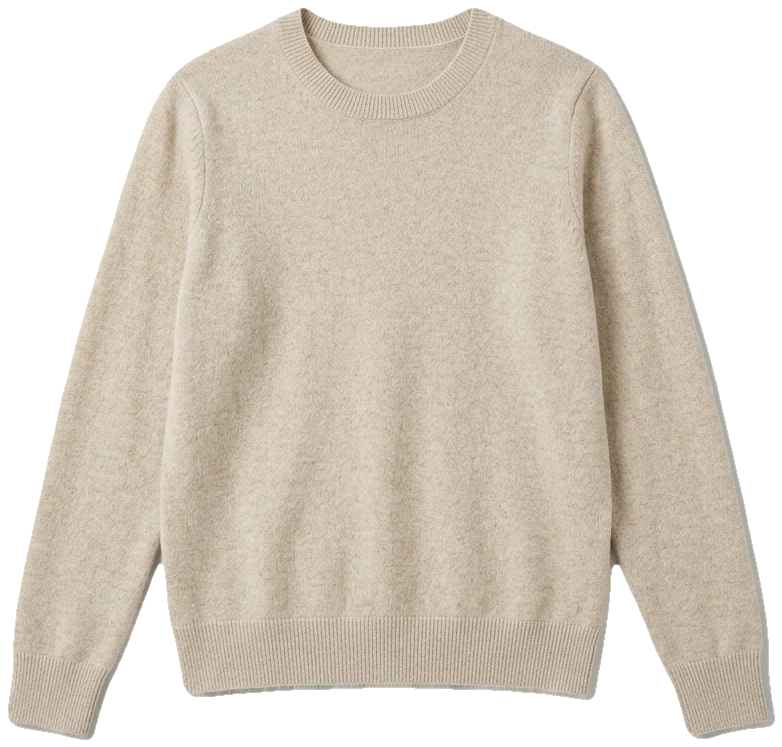
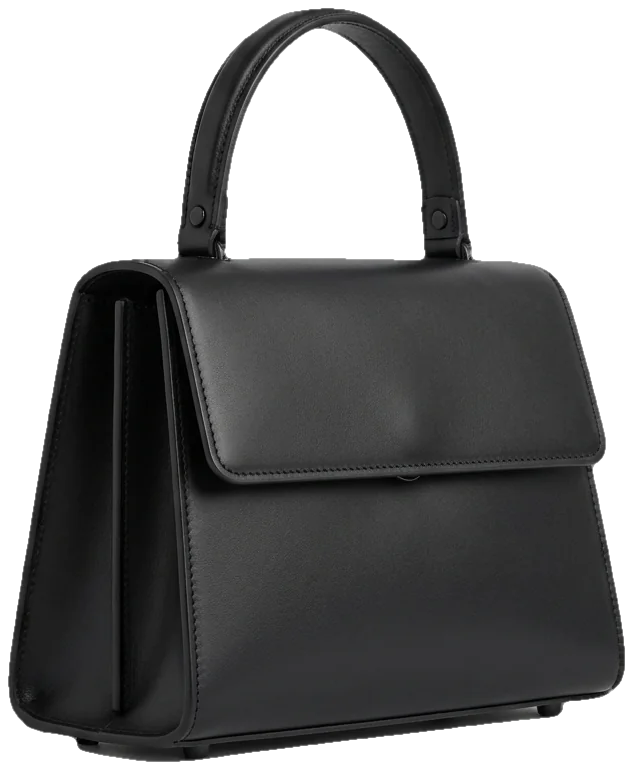
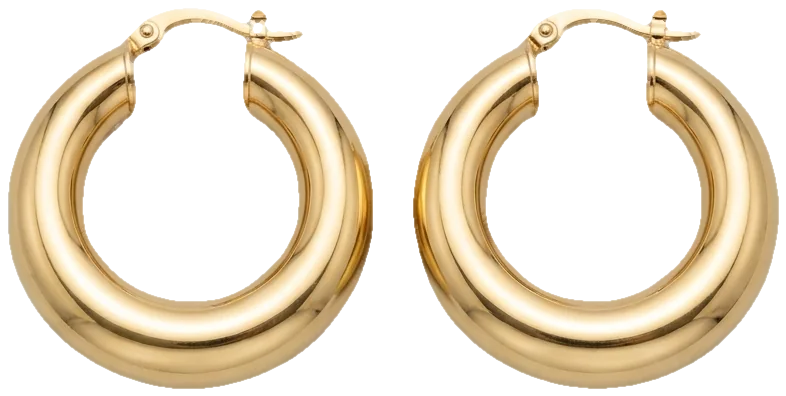
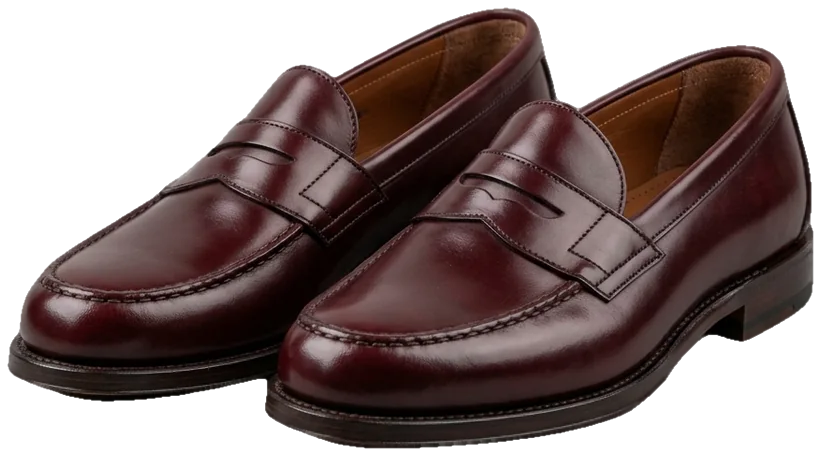
fewer, better. no visible logos.
From board to outfit to body: one person, three boards
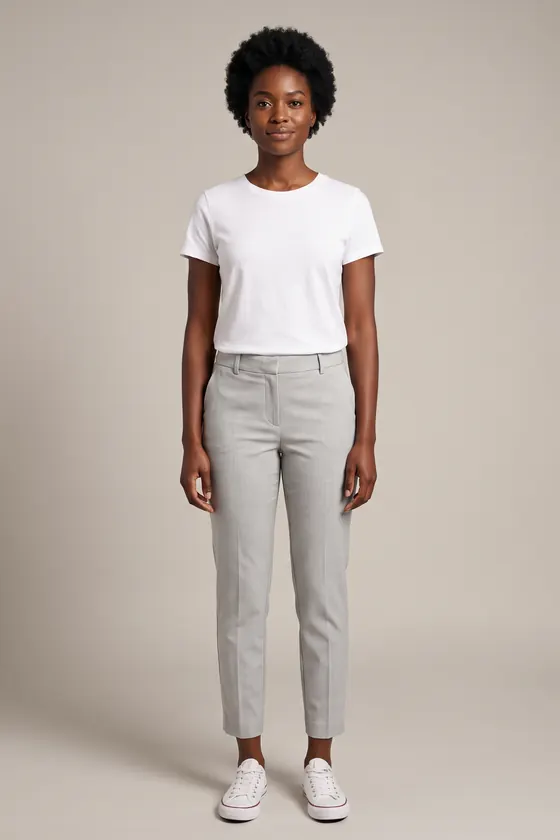
A board becomes useful when you can picture it on a real body. We took the garments pinned on each board and ran them through FitInView's virtual try-on with one photo of the same model (the model photo itself is AI-generated too). Pick a board to compare, or press and hold the button to see the starting photo.
nothing pinned yet. this is the photo every board gets tried on.
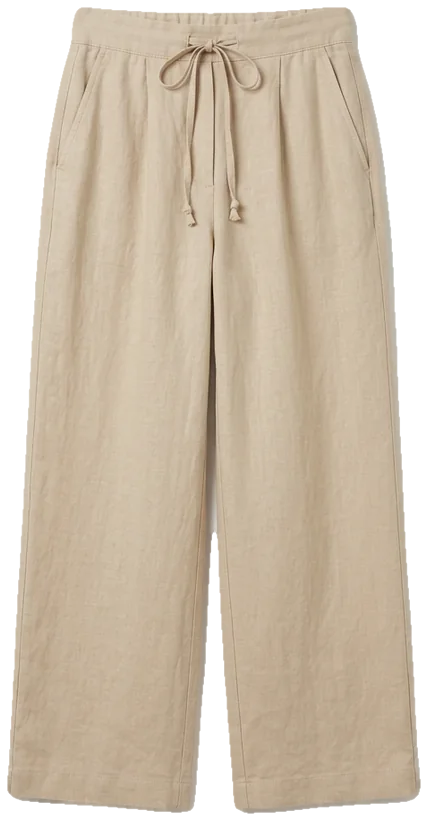
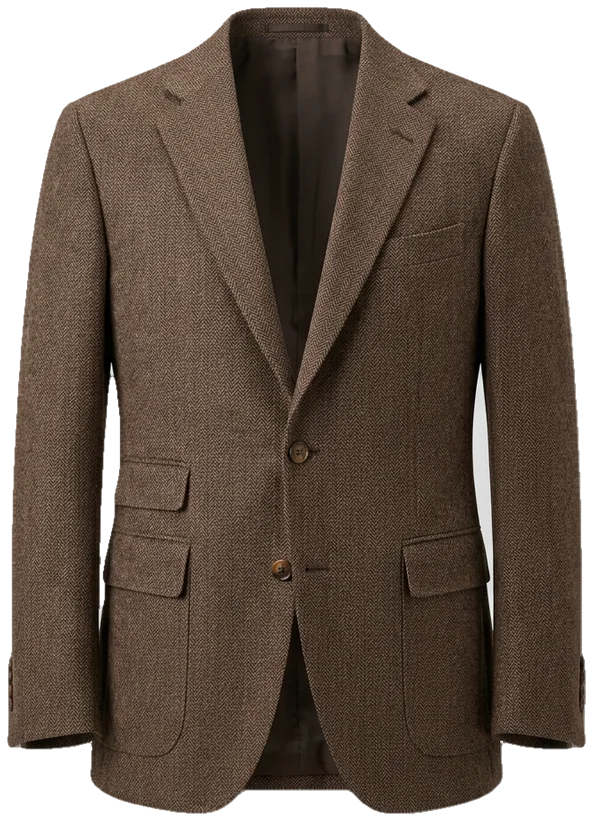
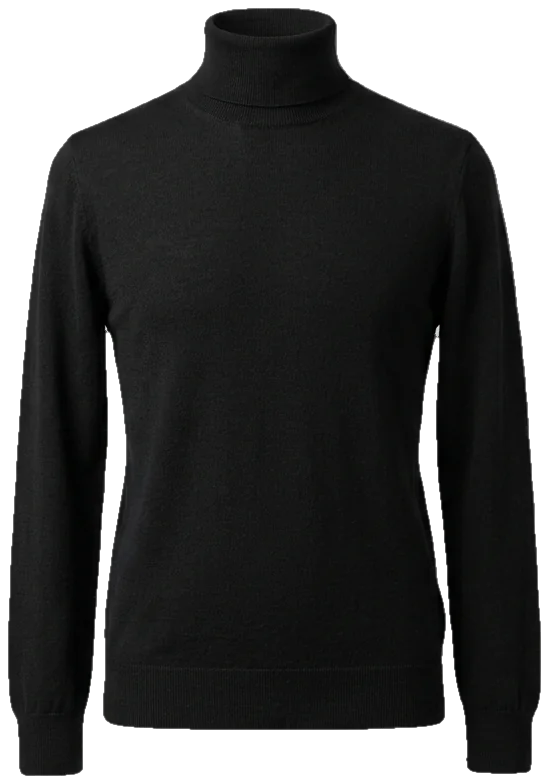
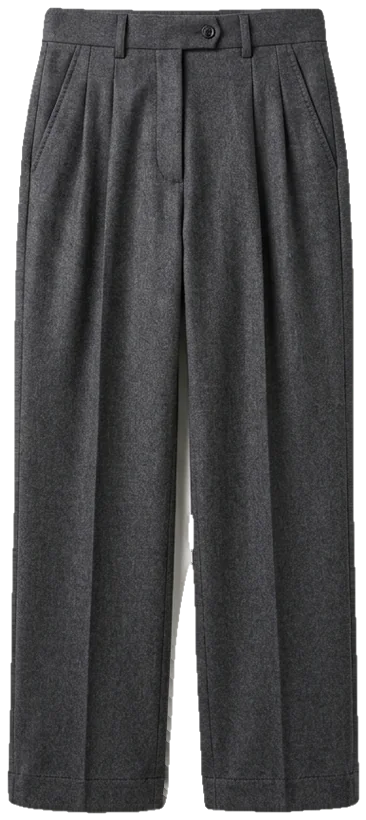
shirt, trousers and slides straight off the coastal board
Try your own board on yourself
Upload a photo of yourself and a photo or shop link of a garment; FitInView shows you wearing it. Your photos are private to your account, and you can delete them.
Your first try-on is included with a free account. No card needed.
Start from a pinned board
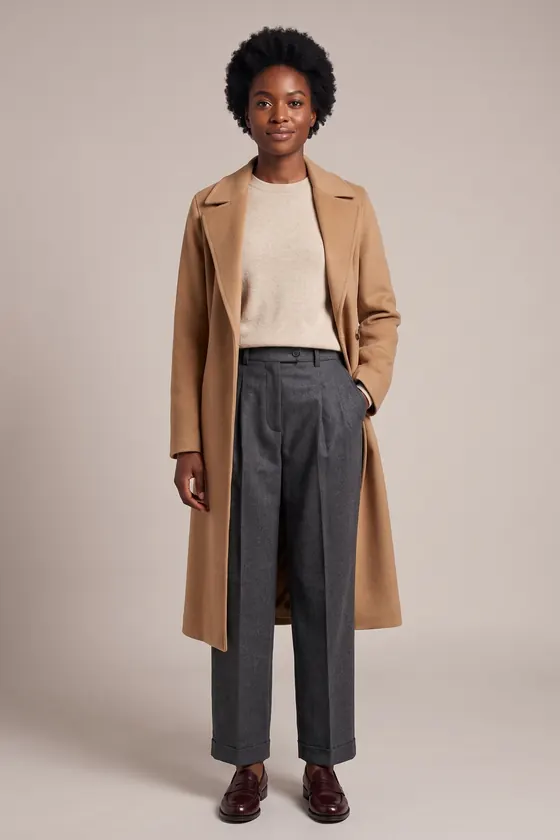
Each template is a finished board you can open in the maker, rearrange and make your own. Swap the pieces and keep the colors, or the other way around. See all six mood board templates.
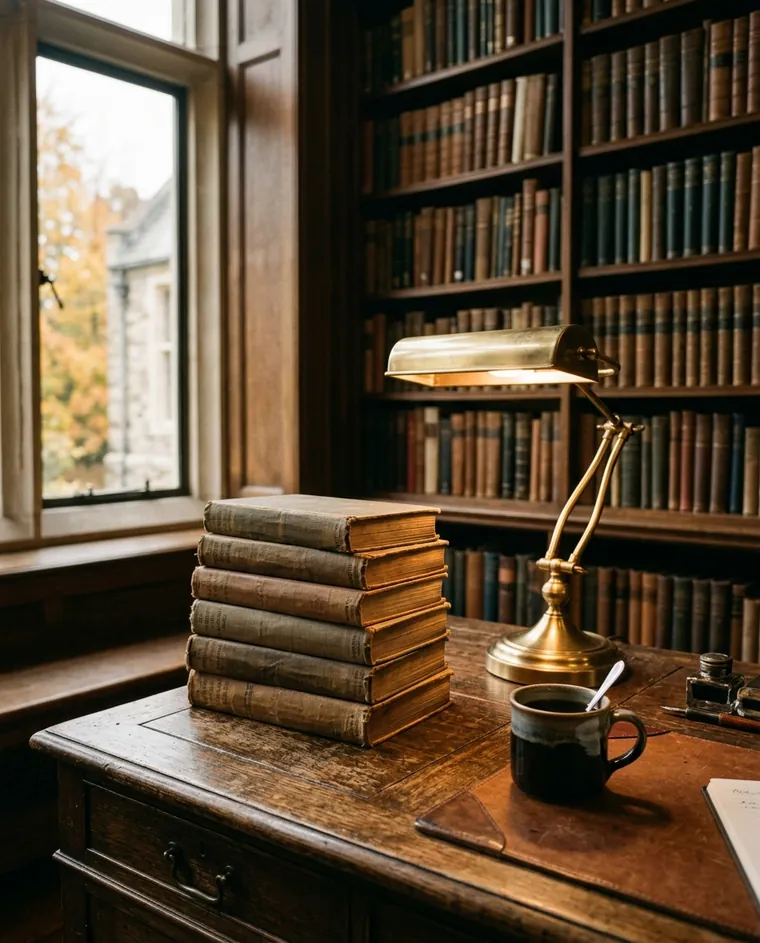
library at 4pm. wool, not polyester.
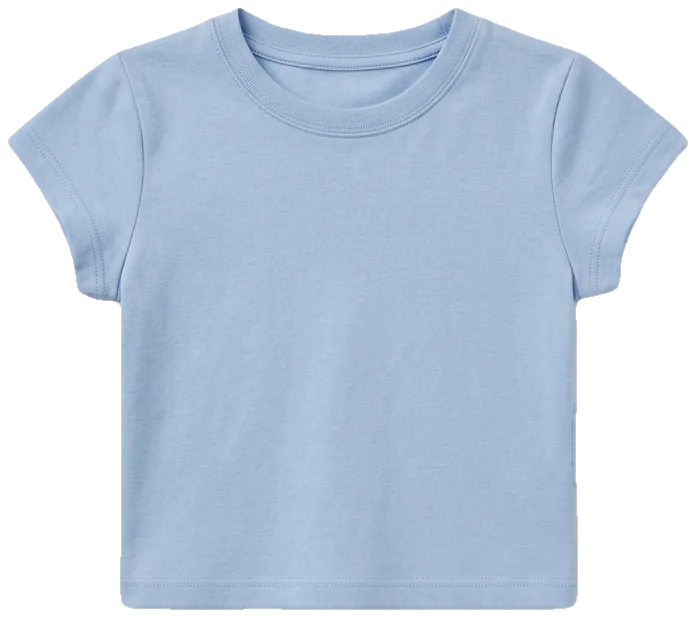
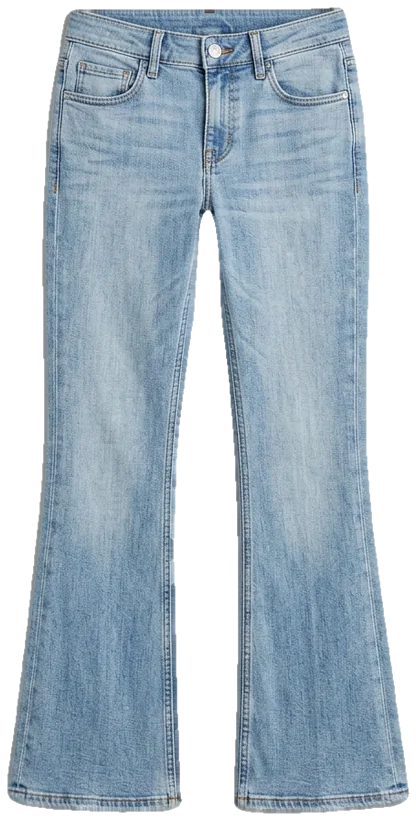
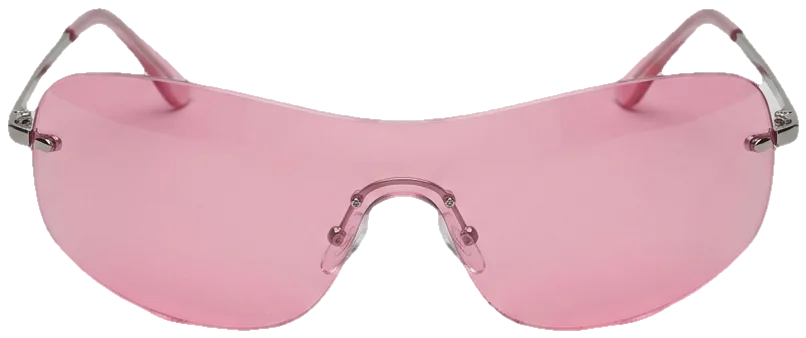
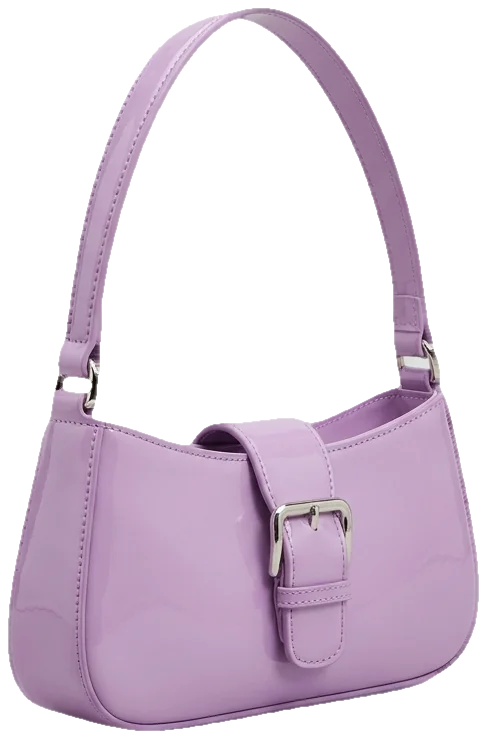
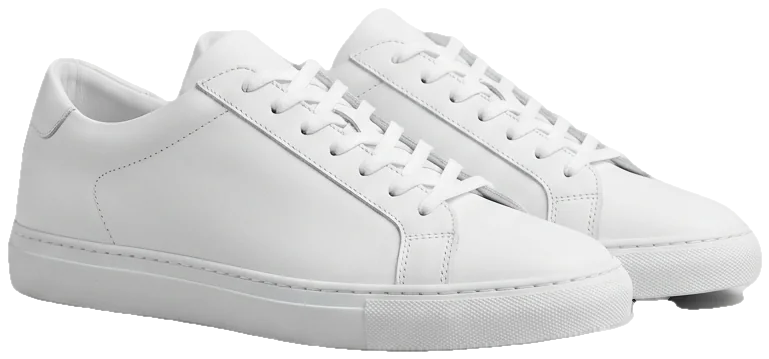
low rise, tiny bag, tinted everything
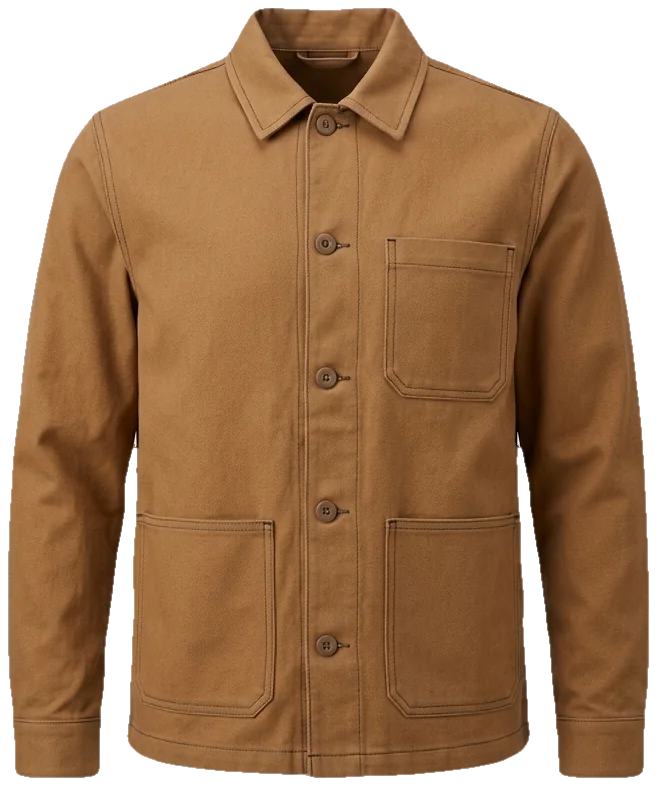
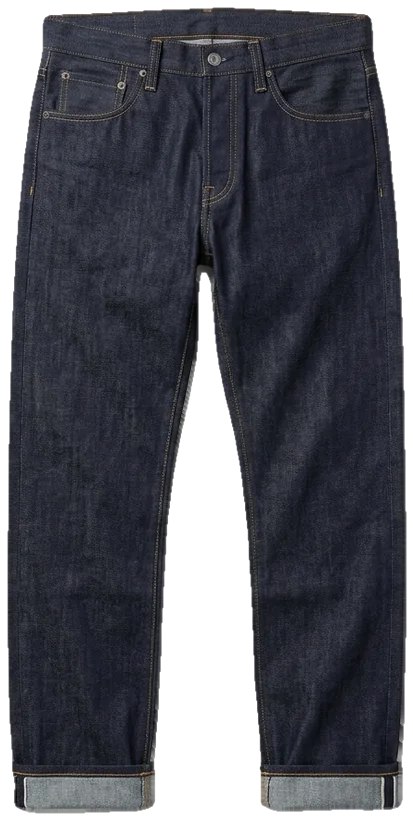
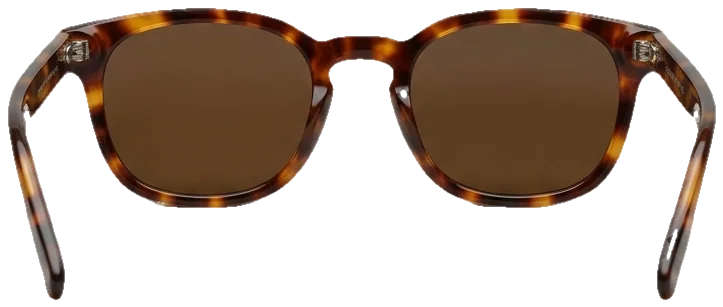
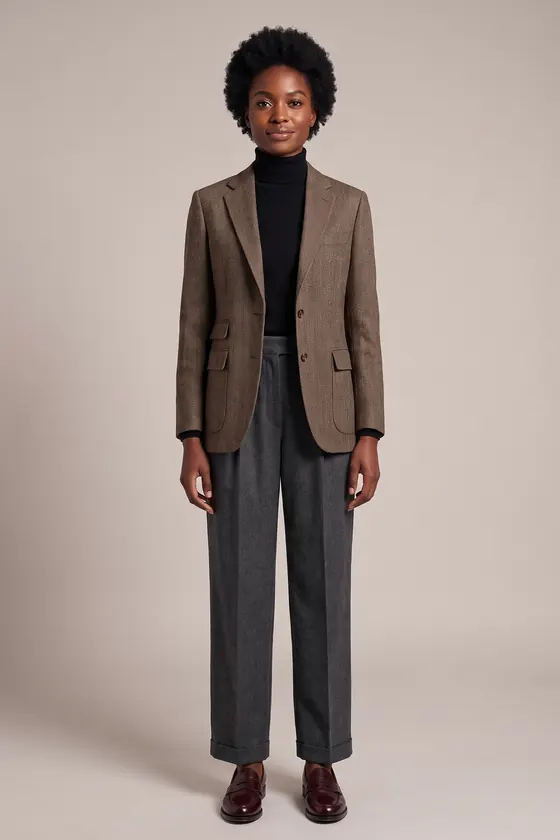
pockets you actually use. it should age well.
Read before you pin
- How to make a fashion mood boardA step-by-step method, from a vague feeling to a board you can shop from.start here
- Six fashion mood board templatesCoastal linen, dark academia, quiet luxury, 90s minimal, Y2K and workwear, ready to remix.steal one
- A mood board for your personal styleUse a style inspiration board to spot what you keep coming back to.know yourself
- How to build a color storyPull a palette out of your images and decide how much of each color to wear.colors
Questions people ask about mood boards
What is a fashion mood board?
A collage of images that sums up a look, an outfit or a season: garments, colors, textures, places, and a few words. Designers and stylists use them to agree on a direction before anything is made or bought. For your own wardrobe it works as an outfit planning board: it shows what fits together before you spend money.
Is this mood board maker free?
Yes. The maker needs no account, adds no watermark to the PNG and has nothing to install. It runs in your browser.
Do my photos get uploaded anywhere?
No. When you add a photo, your browser resizes it and keeps it in this browser's storage on your device. Nothing is sent to a server, and the site uses no cookies and no tracking. Clearing your browser data, or the × on a photo in the Your photos tab, removes it.
Does it work on a phone?
Yes. Tap an item to pin it, drag with one finger, and pinch an item with two fingers to resize and turn it. The board is portrait (4:5), which suits a phone screen.
How is this different from a Pinterest board?
A Pinterest board collects; a mood board edits. Saving is endless, but a board with limited space makes you pick the handful of images that actually describe the look, and lets you place them next to each other so you can see whether the colors and shapes work together. Many people use both: Pinterest to collect inspiration, and a mood board for the final cut.
Can I see the outfit on myself?
Not in the mood board maker itself; it arranges images and does not change them. For that, FitInView is a separate AI try-on tool: upload a photo of yourself and a photo or shop link of a garment from your board, and it generates an image of you wearing it. Your first try-on is included with a free account. No card needed.